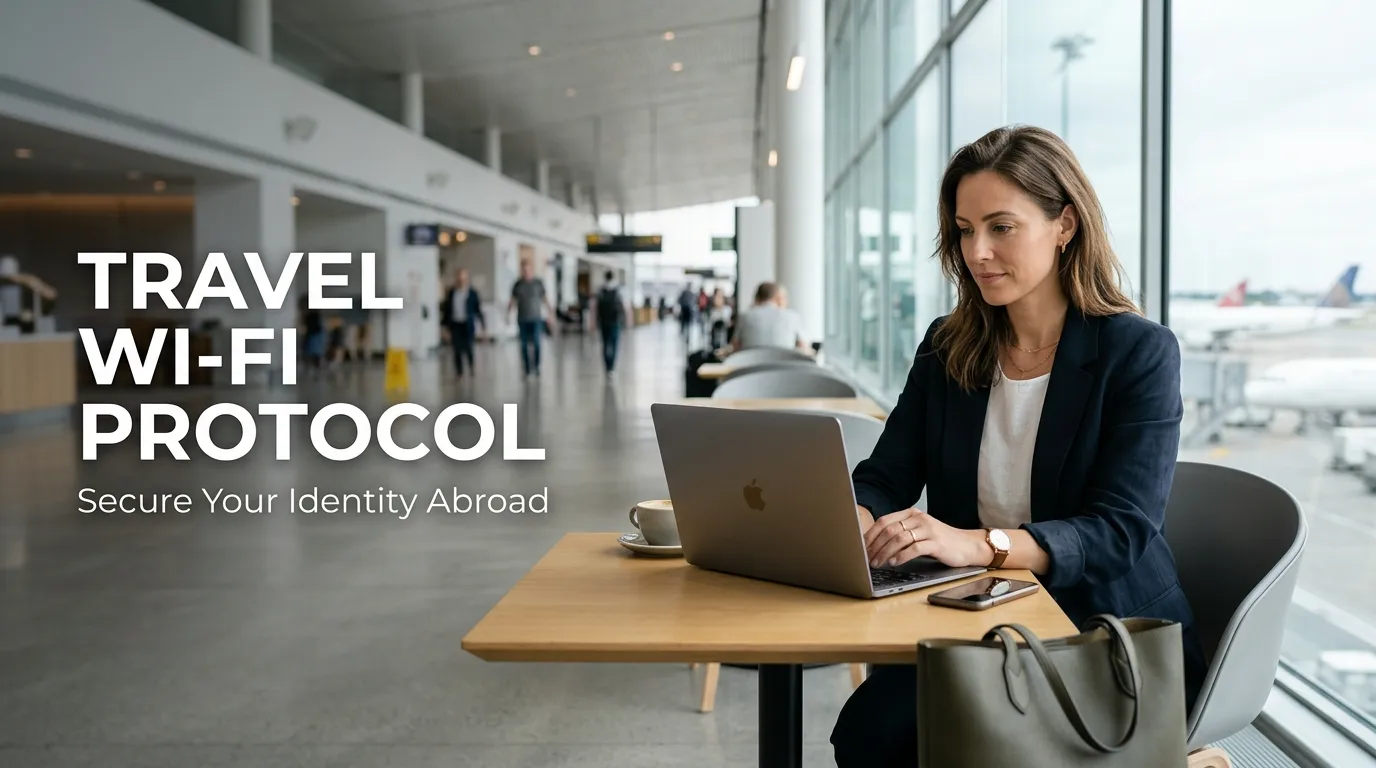
I will never forget the time I landed in a new city and immediately hopped onto the free airport Wi-Fi to check my bank account. Within minutes, I started getting strange alerts about login attempts from a different country. It was a terrifying moment that made me realize just how easily a hacker could peek into my life while I was just trying to find my way to the hotel.
The moment you land in a foreign city, your first instinct is to find a connection. You want to tell your family you arrived safely or look up the directions to your hotel.
Free airport Wi-Fi feels like a gift in these moments. However, this convenience is often a gateway for digital thieves to enter your private life.
Following an international travel security protocol is the only way to ensure your data stays your own. According to the Federal Communications Commission (FCC), public Wi-Fi networks are primary targets for hackers looking to steal sensitive information.
You need to understand that safety is a mindset, not just a set of tools. When you apply 5 essential tips for a securely life, you begin to treat your digital space with the same care as your physical home.
The Digital Trap: Why Public Connections Feel Like a Gamble
Connecting to an unverified network in a busy terminal is like shouting your bank details in a crowded room. You might feel productive, but someone could be listening to every digital word you send.
The emotional stress of discovering a hacked account while you are miles away from home is overwhelming. Most travelers do not realize their devices are leaking info until it is far too late to stop the damage.
This lack of digital defense leads to several painful realities for modern explorers:
- Identity Theft Panic: The fear that a stranger is currently looking at your passport scan or credit card numbers.
- The Financial Void: Realizing your bank account has been drained while you were waiting for your boarding call.
- Invasion of Privacy: Knowing that a hacker can see your private messages to loved ones or business partners.
- Loss of Control: The feeling of helplessness when you are locked out of your own accounts in a foreign land.
Many people fall for these traps because they believe a network name that looks official is actually safe. They see “Free_Airport_WiFi” and assume the airport management is providing a secure service.
Scammers often create “Evil Twin” networks that mimic the real ones to trick your device. This is a common part of the avoid common tourist scams abroad that every traveler must learn to spot.
This problem ruins your confidence and can turn a dream vacation into a legal and financial nightmare. You deserve to explore the world without looking over your digital shoulder every second.
Learning how to use public wi-fi safely while traveling is about reclaiming your authority over your data. It allows you to move through terminals with the same confidence as a professional security expert.
The Digital Defense Roadmap: Practical Actions for Global Travelers
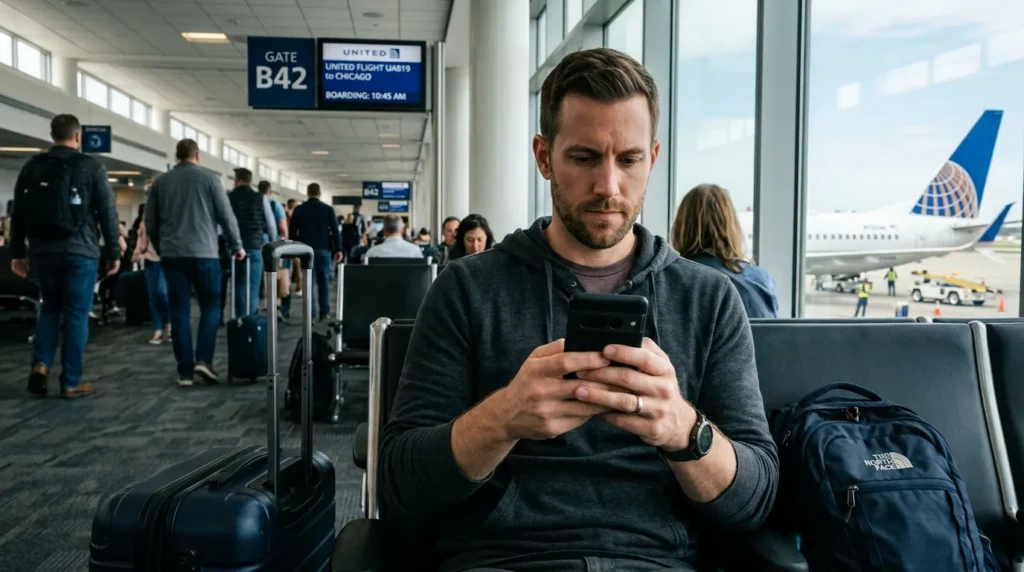
To browse with peace of mind, you need a system that works regardless of your location. You must treat every public hotspot as a hostile environment until you have secured your own perimeter.
This level of care is especially important if you are using a solo travel safety guide beginners to navigate new cities alone. A secure connection ensures you can access maps and help whenever you need it without risk.
1. Deploying the Encryption Shield
The first and most important rule of travel is to never connect to any public network without a Virtual Private Network (VPN). A VPN acts as a secure tunnel for your data, making it unreadable to anyone else on the same network.
Without this shield, your data travels in “plain text,” which means anyone with a simple app can see what you are doing. Hackers use a method called “Packet Sniffing” to grab passwords and logins directly from the air.
Using the best vpn for international travel security ensures that your connection remains private and encrypted. This is the digital equivalent of locking your door before you leave for the airport.
Even if a hacker intercepts your data, they will only see a jumble of random characters that they cannot use. This is the primary secret of every high-level digital safety plan.
Check out this short video below to see why using a VPN and following safe browsing habits is so important for your digital safety! It is a great way to understand exactly how hackers try to peek at your data while you are waiting for your flight.
2. Disabling the Auto-Connect Vulnerability
I used to make the big mistake of trusting any network that had the word “Official” or “Free” in its name. Now, I always assume every public connection is a trap and I never turn on my Wi-Fi until my VPN is already running. This simple habit has saved me from so many potential headaches while traveling through busy terminals.
Our smartphones are designed to be convenient, but convenience is often the enemy of safety. Most phones have a setting that automatically connects to any open Wi-Fi network they find.
You must turn this feature off before you even leave your house. If your phone connects to a malicious hotspot in the background, your data could be stolen before you even take your phone out of your pocket.
This habit is as important as following a home safety checklist before international trips. You must ensure that your devices are not inviting trouble while you are focused on catching your flight.
Go into your Wi-Fi settings and select “Ask to Join Networks” or manually disable auto-join for every public spot. This gives you the power to choose which connections you trust and when you use them.
3. Implementing the Two-Factor Authentication Protocol
Encryption is your first wall, but two-factor authentication (2FA) is your second and strongest gate. This system requires a second form of ID, like a code sent to your phone, before you can log in to any account.
Even if a hacker steals your password at the airport, they cannot enter your account without that second code. This simple step blocks over 90% of targeted digital attacks on travelers.
According to CISA, 2FA is a basic requirement for anyone handling sensitive info on the road. You should enable this for your email, banking, and social media accounts before you depart.
This provides a layer of safety that protects you even if your first line of defense fails. It is a pro-level habit that defines a smart and secure digital life.
“Privacy is not a luxury; it is a basic human right that you must protect every time you click a connect button.”
4. Securing the Home-to-Travel Link
Many people use airport Wi-Fi to check on their houses while they wait for their planes. You might be securely monitoring pet cameras from abroad to ensure your furry friends are doing well.
However, if you are on an insecure network, you could be giving a hacker a live view inside your own living room. They can see your house layout and identify where you keep your most valuable items.
The same risk exists when managing smart door locks on public networks. A digital breach on your phone could lead to a physical breach of your front door thousands of miles away.
You should always wait to check these systems until you have a secure, encrypted connection. Protecting your home remotely requires the same level of care as protecting your physical luggage.
5. Identifying Physical Hazards Before Departure
A secure journey starts before you reach the airport terminal. You must ensure your physical home is safe from accidents so you can focus on your digital security abroad.
Always spend time identifying indoor electrical hazards before vacation to prevent fires or short circuits. Unplug unnecessary devices and check that your smoke detectors have fresh batteries.
You should also look for any electrical cords that might be a trip hazard for your house sitter or a danger to your pets. A safe home allows you to travel with a clear and focused mind.
By building these habits, you become a master of your own environment. You are no longer at the mercy of hackers or hidden home dangers.
You deserve a trip that is full of joy and free from the stress of a digital or physical crisis. With these steps, you are taking control of your safety roadmap forever.
Expert Security Protocols for the Global Nomad
Moving beyond basic VPN use is necessary if you want to stay safe in high-risk areas like busy airports. Professional travelers use specific settings that hide their presence from the eyes of hackers.
One of the most effective secrets is enabling DNS over HTTPS (DoH) on your mobile browser. This setting encrypts your web requests so that the airport network provider cannot see which websites you are visiting.
Even if you have a secure connection, your apps might still be leaking information in the background. You should disable background data refresh for all your banking and social media apps before you land.
This prevents your device from reaching out to servers before you have a chance to turn on your protective shield. Hackers often wait for these small “handshake” signals to identify active targets in a terminal.
Managing Cloud Syncing Risks in Public Zones
Your phone is constantly trying to upload photos and documents to the cloud to keep them safe. However, doing this on an open airport network can expose your private files to everyone else on the same signal.
You should pause all cloud syncing services like iCloud, Google Photos, or Dropbox until you reach a private connection. This simple act ensures that your family memories do not become public data for a digital thief.
If you are a frequent traveler, you might also be using digital nomad hostel safety gear protection for your physical items. Digital protection requires the same level of focus as locking your laptop in a safe.
A secure traveler is always thinking one step ahead of the threat. You do not wait for a breach to happen; you close every small gap before you even open your browser.
The Professional Guide for Long-Term Digital Integrity
Staying safe for a single trip is good, but maintaining this level of safety long-term is the real goal. You should develop a habit of clearing your browser cache and cookies after every international journey.
This removes any tracking scripts that might have attached themselves to your device during your time in the airport. It is a digital “deep clean” that keeps your system running smoothly and safely.
You should also keep a dedicated travel device if you handle very sensitive work information. A clean tablet or laptop used only for trips reduces the risk of exposing your main home computer to foreign threats.
Always keep your software updated to the latest version to get the newest safety patches. Most hackers rely on people using old software that has known holes in its defense.
Maintaining Situational Awareness Abroad
Your digital safety is linked to your physical surroundings more than you might think. Always look around for “shoulder surfers” who might be trying to watch you type your password or pin code.
If you need to access sensitive info, try to sit with your back against a wall. This prevents anyone from standing behind you and seeing what is on your screen.
This level of awareness is a core part of the hotel room security locking guide that every smart traveler follows. You are protecting your data and your person at the same time.
Preparation allows you to enjoy the adventure without the constant fear of being a target. A proactive traveler is a confident traveler who knows how to handle the world.
“Your digital safety is a shield that you must carry with you every time you cross a border. If you drop it for even a second, you invite the world into your private life.”
Building a Safety Habit for Every Destination
Safety is a set of small choices that add up to a big result over time. You should treat every connection with suspicion, even if it looks like it belongs to a high-end airline lounge.
Before you leave on any trip, you should know how to safely hide cash and passports while traveling to ensure your physical survival. Digital safety is simply an extension of this physical preparedness.
If you run into trouble with your health or safety, you should follow the 6 steps medical emergency abroad protocol. Being prepared for every scenario makes you a master of your own journey.
The goal is to have a plan for everything, from a hacked phone to a lost bag. When you have a roadmap, you don’t panic; you simply follow the steps to safety.
Dangerous Pitfalls in Public Connectivity
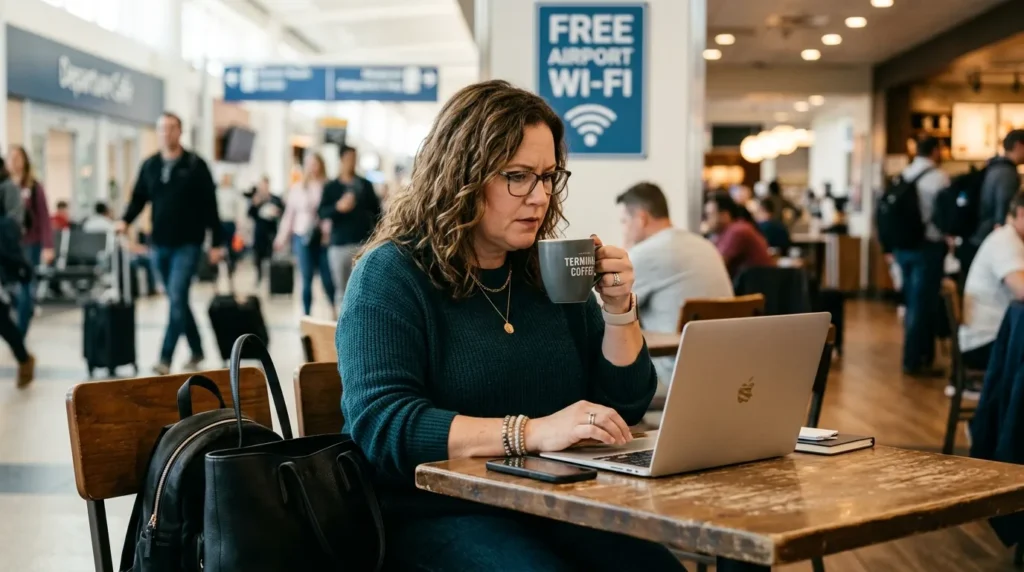
Even with a strong shield, travelers often make simple mistakes that lead to a total loss of privacy. These pitfalls are common because they are convenient, but they carry a high price in a foreign land.
If you ignore these warnings, you are leaving your identity and your home security to chance. Every mistake you avoid is a step closer to a successful and secure international trip.
- Logging into Financial Portals: Never check your bank balance or make credit card payments on a public airport network. Even with a VPN, it is safer to wait for a private connection or use a local SIM card with cellular data.
- Trusting Unofficial “Free” Hotspots: Scammers create networks with names that look like they belong to the airport. Connecting to an “Evil Twin” network allows a hacker to see every single move you make on your device.
- Leaving Sharing Features Enabled: Features like AirDrop on iPhone or Nearby Share on Android should be turned off. These can be used to send malicious files or even “ping” your device to find out your location.
- Forgetting to Update Home Security Apps: If your apps are old, they might have holes that hackers can use to access your home. Ensure your smart home tools are updated before you board your flight.
- Accepting Public Charging Port Risks: USB ports in airports can be used for “Juice Jacking” to steal data or install malware. Always use a regular wall outlet with your own power brick to keep your data line closed.
Failing to avoid these traps can lead to a total digital takeover of your life. It is like leaving your front door wide open while you go to the store.
A single oversight can undo all your hard work and planning. You must be as careful with your digital keys as you are with your physical ones.
Think of these pitfalls as a toxic indoor plants safety guide for pets. You have to know what looks harmless but is actually a hidden danger to your well-being.
Taking an extra minute to check your settings is always worth the effort. It is the difference between a happy holiday and a long legal battle with identity thieves.
Essential Questions About Global Travel Connectivity
Is it safe to use free airport Wi-Fi for online banking?
No, it is highly discouraged to use any public connection for financial tasks. Even with encryption, the risk of a sophisticated attack is too high when your life savings are on the line.
What are the risks of connecting to public Wi-Fi without a VPN?
Without a VPN, your data is sent in plain text that anyone on the network can read. Hackers can steal your passwords, credit card numbers, and private messages in real-time.
How can I identify if an airport Wi-Fi network is fake or a “twin” network?
Fake networks often have very similar names to the official ones but might have spelling errors or different endings. Always verify the official network name at an information desk or on the back of your boarding pass.
Can hackers steal my passwords through airport Wi-Fi?
Yes, using a method called “Man-in-the-Middle” attacks, a hacker can sit between you and the site you are visiting. They record everything you type, including your most sensitive login details.
What security settings should I enable on my phone before traveling abroad?
You should turn off “Auto-Join Networks,” enable “Two-Factor Authentication” on all accounts, and install a reputable VPN. Also, ensure your operating system has the latest safety updates installed before you leave your home.
Your Roadmap to a Fearless Digital Journey
Becoming a secure traveler is a choice that pays off every time you land in a new city. By following this protocol, you have built a shield that protects your data across every ocean and border.
You no longer have to feel like a target for clever digital thieves in busy terminals. You have the tools and the knowledge to browse with confidence and peace of mind.
Start today by checking your device settings and choosing a strong VPN provider. Share this wisdom with your travel partners so they can stay safe along with you.
The joy of travel is only possible when you know your home and your digital life are protected. You are now a key player in your own global safety plan.
Stay alert, stay informed, and always trust your training. Your journey is just beginning, and you are ready for whatever the world has in store for you.
Taking control of your digital space makes every trip so much more relaxing and fun. You do not have to be a tech expert to stay safe; you just need to start with these small steps on your next journey. Go ahead and set up your protection today so you can explore the world with total confidence!
Disclaimer: The information provided on Securely Life is for educational and informational purposes only. While we strive for accuracy, digital threats change every day, and no method is 100% foolproof. We are not responsible for any data loss, financial damage, or security breaches resulting from the use of this guide. Always consult with a certified cybersecurity expert for specific advice regarding your personal or business data. Your digital safety remains your personal responsibility.