I still remember the cold sweat I felt when I realized I had clicked on a fake invoice email. It looked so real, and for a second, I thought I had just handed over my entire business savings to a stranger. That one scary moment taught me that locking my physical office door simply wasn’t enough to keep my livelihood safe in a digital world.
You lock the front door every night. You have a lock on the register, a code for the safe, maybe even a camera outside. Then you go home and forget that your business lives online too, wide open, all night long.
That’s how most owners find out they’ve been hacked. Not through a warning. Through a customer emailing to ask why their card got charged twice, or an employee saying the system won’t log in. By then, the damage is already done.
Why So Many Owners Miss The Warning Signs
Most small business owners aren’t ignoring cyber security on purpose. They’re just stretched thin, and a few false beliefs make the problem worse.
- “We’re too small to be a target.” Hackers use automated tools that scan thousands of businesses a day. Size doesn’t matter to a script.
- “Our antivirus software handles it.” Antivirus catches known threats. It does nothing against a stolen password or a tricked employee.
- “We’ll deal with it if it happens.” By the time it happens, customer data is already gone.
What A Data Breach Actually Costs You
The financial hit is only part of the story. Owners describe the weeks after a breach as some of the hardest of their careers.
- Sleepless nights spent wondering what else was taken
- Lost trust from customers who now hesitate to give you their card details
- Constant second-guessing every email, every login, every system update
A single stolen password can undo years of customer trust in a single afternoon.
Think about a small accounting firm that stored client tax documents on one shared computer with no password. One phishing email later, that folder was copied and gone. The owner didn’t lose money that day. She lost the one thing small businesses run on: her clients’ confidence.
This is exactly why getting the basics right matters more than buying expensive software. The Small Business Administration points out that training your team and securing your network are the two highest-impact steps you can take, and neither one costs much. Before you touch a single tool, it helps to understand digital safety fundamentals so every later step actually makes sense.

Your First Line Of Defense: Steps You Can Start Today
You don’t need a security team to protect your business. You need a short list of habits, done consistently, starting this week.
Step 1: Lock Every Login With Multi-Factor Authentication
A password alone is not a lock anymore. It’s a suggestion.
Multi-factor authentication (MFA) adds a second check, usually a code sent to your phone, before anyone can log in. Even if a hacker steals a password through a phishing email, they still can’t get in without that second step.
Turn this on for email, banking, and any cloud storage first. Those three accounts hold the keys to everything else. If you haven’t already, setting up two-factor authentication on these accounts takes about ten minutes and blocks the majority of automated attacks.
Step 2: Teach Your Team To Spot A Phishing Email
Most break-ins don’t start with a genius hacker. They start with one tired employee clicking a link that looked normal.
Run a short training session, even fifteen minutes, and cover three things: check the sender’s actual email address, hover over links before clicking, and never enter a password after clicking a link from an email. The FCC’s small business cyber security guidance lists employee training as the very first step for a reason. It’s the cheapest fix with the biggest payoff.
Make this a repeating habit, not a one-time meeting. Threats change, so a quick refresher every few months keeps the lesson fresh.
Phishing emails are getting harder to catch, but they usually leave a few clues behind. Watch this short guide specifically made for small businesses to see how you and your team can spot a fake email before anyone clicks that dangerous link.
Step 3: Back Up Your Data Like Your Business Depends On It
Because it does. If ransomware locks your files tomorrow, a recent backup is the difference between losing a day and losing everything.
Keep at least one backup copy disconnected from your main network, either on an external drive or a separate cloud account. If your systems ever get compromised, that disconnected copy stays clean. For a full walkthrough on setting this up properly, this piece on backing up your data safely breaks down exactly how often to do it and where to store copies.
While you’re reviewing your accounts, it’s also worth checking whether your team is using a password manager instead of reusing the same weak password everywhere. And if any of your business computers have started acting strangely, running slow or opening programs on their own, it’s worth learning how to detect hidden spyware before it spreads further.
These three steps alone close the doors that most attacks walk through. They cost nothing but time, and they take less effort than most owners expect.
I used to think that having a backup was enough, but I learned the hard way that a backup is only useful if it actually works. Now, I spend five minutes every month trying to restore just one small file to make sure my safety net is actually there. It is a tiny habit, but it saved me from total panic during a system crash last year.
Software Updates: The Free Security Upgrade Everyone Ignores
That little “update available” notice you keep dismissing? It’s not random. Software companies release updates specifically to patch holes hackers have already found.
Running outdated software is like leaving a spare key under the mat after everyone in town knows where it is. Turn on automatic updates for your operating system, browser, and any business software you use daily. This one setting closes doors you didn’t even know were open.
Securing Your Network, Not Just Your Devices
Your office Wi-Fi is often the weakest link in the whole setup, especially if you’re still using the default router password from installation day.
Change that default password immediately, and set up a separate guest network for visitors and customers. Keeping guest traffic away from your business systems means one compromised phone can’t reach your point-of-sale system or your files. If your team works remotely at all, learning how to protect your home Wi-Fi network matters just as much as securing the office.
Public Wi-Fi deserves a separate warning. Coffee shop networks are convenient, but they’re also open invitations for anyone nearby to intercept unencrypted data. Before an employee logs into a business account from a café, they should understand how to prevent identity theft on public Wi-Fi, because one careless login on an airport network can expose more than you’d expect.
Watching Your Money Like A Hawk
Financial accounts deserve their own layer of caution, separate from everything else.
Set up transaction alerts on every business bank account so you get a text the moment money moves. Small, unnoticed withdrawals are often the first sign of a compromised account, not the big dramatic theft people picture. Reviewing your online banking safety habits once a quarter takes ten minutes and can catch problems before they grow.
The businesses that recover fastest from a cyber incident are rarely the ones with the most expensive tools. They’re the ones who noticed something was wrong within hours, not weeks.
Keeping This Protection Alive Long-Term
Security isn’t a project you finish once. It’s more like a habit you keep, the same way you’d keep checking your smoke detector batteries.
Set a recurring quarterly reminder to review passwords, check for unused employee accounts, and confirm backups are actually working, not just running. Businesses that treat this as an ongoing routine, rather than a one-time fix, are the ones still standing after an attempt to breach them.
Mistakes That Quietly Undo All Your Hard Work
Even owners who care about security fall into these traps. Watch for them closely.
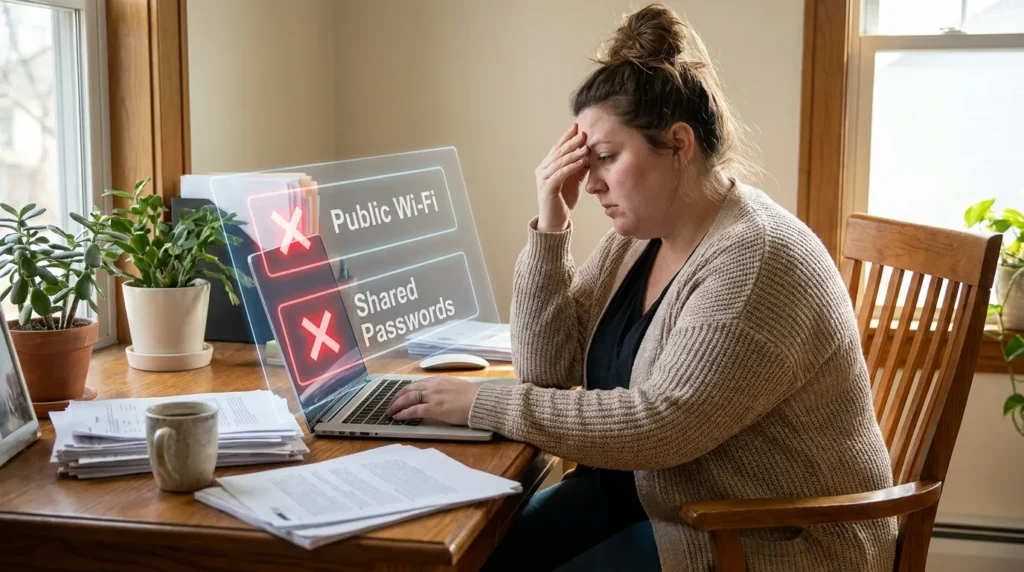
- Sharing one login across your whole team. If one person leaves the company or gets phished, every account tied to that shared login is exposed at once.
- Ignoring spam and phishing emails instead of blocking them. Letting junk pile up trains your team to stop reading emails carefully, which is exactly when a real phishing attempt slips through. Learning to stop spam emails for good keeps inboxes clean and attention sharp.
- Skipping backups because “nothing’s happened yet.” This is the mistake that turns a minor hiccup into a business-ending event.
- Treating security as an IT-only job. Every single employee with a login is a potential entry point, not just the tech team.
- Never testing your backups. A backup that fails to restore when you need it is no backup at all.
Skipping any one of these isn’t a small oversight. It’s an open door, and hackers actively search for exactly these kinds of doors.
Answers To What Business Owners Ask Most
How do you prevent cyber attacks on a business?
Focus on the basics first: multi-factor authentication, employee training, regular software updates, and reliable backups. These four steps stop the vast majority of common attacks.
What are 5 ways to prevent cyber attacks?
Use multi-factor authentication, train employees to spot phishing, keep software updated, back up data regularly, and secure your network with strong, unique passwords.
What do 90% of cyberattacks start with?
Most attacks begin with a phishing email, a message designed to trick someone into clicking a bad link or handing over login details.
What is the number one cybersecurity threat today?
Phishing remains the most common starting point for breaches, largely because it targets people rather than technology, and people can be tricked.
What are the basics of cyber security for beginners?
Strong, unique passwords, multi-factor authentication, regular backups, updated software, and basic employee awareness training cover the fundamentals every beginner should start with.
You Don’t Need To Be A Tech Expert To Get This Right
Every step covered here is something you can start today, not someday. None of it requires a big budget or a background in technology.
Small, consistent habits beat expensive tools every single time. A business that trains its team, backs up its data, and locks down its logins is already ahead of most attackers’ targets.
Start with one step this week. Add another next week. Before long, you’ll have built a business that’s simply not worth a hacker’s time.
According to the Cybersecurity and Infrastructure Security Agency, consistent basic practices remain the single most effective defense for organizations of any size, and the National Institute of Standards and Technology echoes the same guidance for smaller businesses with limited resources.
Building a secure business does not have to be scary or expensive. It is all about taking that first small step today to protect everything you have worked so hard to build. You have the power to stay safe, and your future self will thank you for being proactive right now.
Disclaimer: This article is provided for general educational and informational purposes only and does not constitute professional cybersecurity, legal, or financial advice. Every business has unique risks, and you should consult a qualified cybersecurity professional or IT specialist to assess your specific situation. Securely Life is not liable for any loss or damage arising from the use of information in this post.