Imagine you are in a rush to pay an urgent bill or check an important email. You type your password quickly, but the screen flashes a bright red error message.
“Incorrect Password,” it says. You try again, and your heart starts to beat faster.
You feel a mix of anger and worry as you realize you are locked out of your own life. This is a story we all know too well.
Most of us have dozens of online accounts. Trying to remember every single code is like trying to hold water in our bare hands.
It feels like a heavy weight that we carry every time we open our laptops. We worry that if we forget one code, we might lose our family photos, our hard-earned money, or our private talks forever.
Why We Stay Stuck in Dangerous Password Habits
- The Reused Password Trap: We think using the same password for everything is a smart “shortcut,” but it actually invites hackers to steal everything at once.
- The Vulnerable Notebook: Some of us write passwords in a physical notebook that can be lost, burned, or seen by anyone walking by your desk.
- The Weak Variation Habit: We believe that adding a simple “123” or “!” to the end of an old password makes it strong, but modern computers guess that in seconds.
- Overestimating Our Memory: A lot of people trust their memory way too much, even though our brains are not built to store 50 different random strings of text.
- The “I’m Not a Target” Myth: We often get bad advice from friends who tell us that hackers only go after famous people or big banks.
How Password Anxiety Hurts Your Daily Peace of Mind
- Constant Background Fear: You live with a quiet anxiety that someone is watching your accounts, making you feel unsafe even in your own home.
- Frustrating Resets: The “Forgot Password” process feels like a personal failure every time you do it, ruining your focus for the day.
- Avoiding New Tech: You might avoid trying new apps or helpful services because the thought of creating and remembering a new password feels like a massive chore.
- Feeling Powerless: Your confidence in the digital world drops, making you feel like a target instead of a user who is in total control.
- Stolen Focus: The stress of a potential hack stays in the back of your mind, stealing your attention from work and family.
The Harsh Reality of Modern Digital Threats
We need to be honest about how the internet works today. In the past, a hacker was a person in a dark room guessing your pet’s name. That is no longer true.
Today, hackers use powerful software that can try millions of password combinations every single minute. This is known as a brute-force attack.
If you use a word that is in the dictionary, or even a common phrase, these machines will find it in seconds.
When you use the same password for your Netflix and your bank, you are giving a thief a master key to your entire life. If the Netflix database leaks, your bank account is now wide open.
“We are fighting against automated systems that never sleep and never get tired. Trying to fight them with just our human memory is like bringing a stick to a gunfight.”
We need a better way to protect our digital space without losing our minds. We need a system that works for us, so we can go back to enjoying the internet without the fear of a red “Access Denied” message.
Your Simple Path to Total Digital Peace of Mind
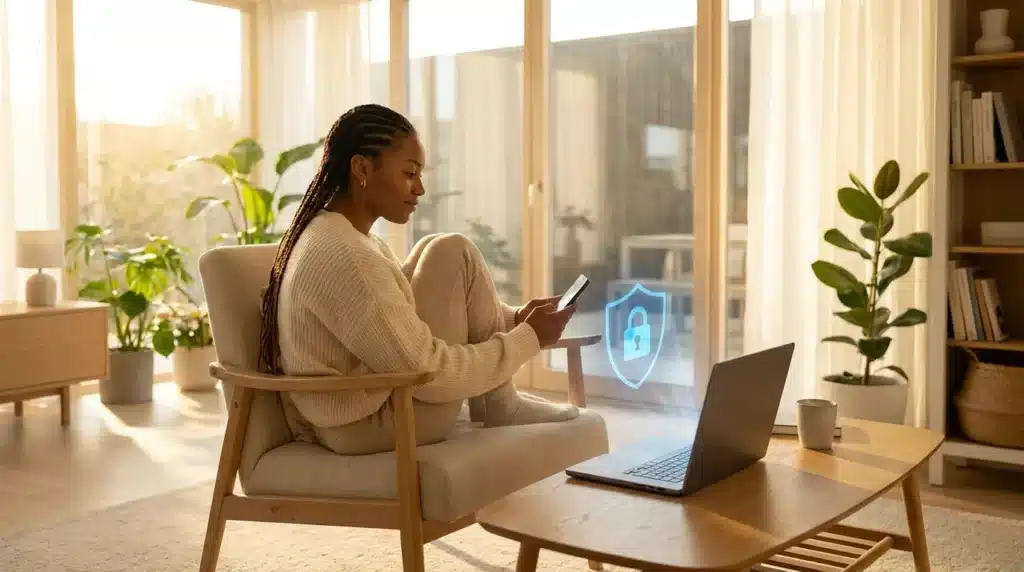
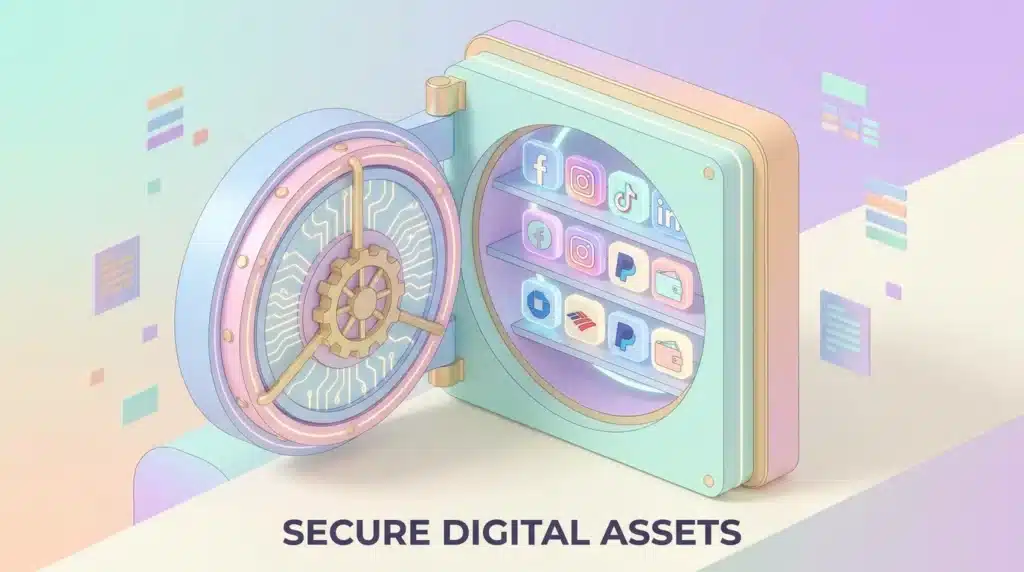
The good news is that you do not have to live with this stress anymore. There is a simple and very effective way to fix this. It is time to start using a password manager as your personal digital vault.
This tool does the hard work for you. It remembers everything so you can focus on what matters. Let’s look at the first few steps you can take today to change your life and secure your accounts.
Step 1: Move Beyond the Limits of Human Memory
The first big step is accepting that you should not know your passwords. This sounds strange, but it is the most important lesson in digital safety.
A password manager is a secure app that stores all your login details in one place. You only have to remember one single “Master Password.” This is the key to your vault.
Once you are inside, the app does all the typing for you. You will never have to stare at a login screen and wonder what your code was three years ago.
When you stop trying to remember everything, your brain feels lighter. It is like putting down a heavy suitcase you have been carrying for miles.
Instead, you can use random codes that look like $8\text{jH}!2\text{pL}\$9\text{q}$. You do not need to remember them because your vault has your back. This simple tool completely shields you from automated brute-force attacks.
Step 2: Use Unique Keys for Every Single Door
Imagine if every door in your city used the exact same key. If a thief found one key, they could enter every house, every office, and every bank. You would never do that in real life, so why do we do it online?
A password manager makes it easy to have a unique password for every account you own. If you have 100 accounts, you should have 100 different passwords. Most managers have a “Generator” button that creates long, random strings of characters for you.
If one website has a security problem and your data gets leaked, you don’t have to panic. Because that password was unique, your other accounts are still perfectly safe.
This level of protection is essential, especially when you learn how to secure your online banking from digital thieves to safeguard your financial life.
Step 3: Let the Technology Do the Typing for You
One of the best parts of using a manager is the “Auto-fill” feature. We spend a lot of time typing and making mistakes. Sometimes we type our password into a fake website by accident. This is called a phishing attack.
A password manager is incredibly smart. It knows exactly which website belongs to which password. If you land on a fake site that looks like your bank, the manager will refuse to fill in the password. It knows something is wrong even if you don’t.
This acts like a high-tech filter for your daily browsing. It saves you several minutes every day, which adds up to hours over a year. More importantly, it removes human error entirely.
This feature works seamlessly on your phone and your computer. Whether you are buying shoes or checking your records, the process becomes smooth and fast.
Step 4: Why This is Better Than Using a Web Browser
Some people ask, “Can I just use the password saver in my browser?” While that is better than nothing, a dedicated manager is much safer. Web browsers are built for browsing, not for high-level security.
A dedicated manager lives outside of your browser. It has more layers of protection to keep your data safe. It also works across different devices. If you save a password on your laptop, it is instantly ready on your phone and your tablet.
Additionally, keeping your browser free of saved credentials helps you manage your overall footprint, much like organizing the essential privacy settings for your social media accounts to block data harvesting.
Advanced Tactics to Turn Your Vault into a Digital Fortress
You have already learned the basics of why a vault for your codes is a great idea. Now, let us look at some expert secrets that will make you feel like a digital fortress.
Step 5: Adding a Second Lock with Multi-Factor Authentication
The first big secret is turning on a second layer of defense. Enabling Multi-Factor Authentication (MFA) adds a critical second deadbolt to your account.
This requires a unique key, like a security code generated on your phone, making it nearly impossible for hackers to break in even if they know your master password.
I always tell my friends that MFA is the single best way to sleep better at night. It is the gold standard for securing your most vital platforms.
If you want to apply this defense network-wide, look at the ultimate guide to protecting your home Wi-Fi network to lock down all connected hardware.
Step 6: Planning for the “What If” Recovery Moments
A lot of people worry about what happens if they lose their phone or forget their master password. This is a very fair point, and the pros have a plan for it.
Most good password managers give you a “Recovery Key” or a set of “One-Time Codes” when you first sign up. This is your “Break Glass in Case of Emergency” kit.
I suggest you print these codes out and keep them in a safe place in your physical home. Do not save them on your computer where a hacker might find them. Having this backup plan removes the fear of being locked out of your own digital life forever.
Step 7: Keeping Your Vault Clean with Security Audits
Your digital vault is like a closet. Over time, it can get messy with old accounts you don’t use anymore. Once every few months, I take ten minutes to do a “Security Audit” inside my manager app.
The app will usually show you which passwords are old, weak, or reused. It might even tell you if a password has been leaked in a recent hack.
Changing these old codes is like changing the oil in your car. It keeps everything running smoothly and prevents big problems before they happen. If you see a password that is more than a few months old, hit that “Generate New Password” button.
5 Common Mistakes That Could Put Your Vault at Risk
- Picking a Weak Master Password: Your master password is the key to everything else you own. If you use “Password123” or your birthday, you are leaving the vault door unlocked. Use a long passphrase like “TheBlueCatLikesToDance!” instead.
- Trusting Your Web Browser Too Much: Saving passwords in Chrome or Safari alongside a manager creates confusion and leaves them vulnerable to browser-specific exploits. Turn off the “Save Password” feature in your browser settings.
- Ignoring the “Security Score” Feature: Most apps give you a grade on how safe your passwords are. If the app says a password is “Weak,” it means a bot could guess it in less than a minute. Make it a goal to get your score to 100%.
- Sharing Passwords Through Text or Email: Sending passwords via SMS or normal emails is like writing them on a postcard. Anyone who intercepts them can read them. Use your manager’s “Secure Share” feature to share passwords safely.
- Forgetting to Set Up an Emergency Contact: Many managers have an “Emergency Access” feature. This allows a trusted family member to request access to your vault if you are incapacitated. It is a small step that shows a lot of care for your loved ones.
Frequently Asked Questions About Digital Vaults
Is it safe to put all my passwords in one place?
Yes, it is actually much safer than the alternative. While it might seem risky to have “one key,” that key is protected by military-grade encryption. It is significantly safer than reusing weak passwords that are easy to steal across multiple platforms.
What if the password manager company gets hacked?
The best companies use a “Zero-Knowledge” security architecture. This means they do not store or know your master password. If a hacker steals their server data, all they get is scrambled code that is impossible to read without your secret key.
Can I use a free version, or should I pay?
Free versions are great for starting out and offer basic safety. Paid versions often add advanced features like dark web monitoring, secure file storage, and family sharing. Both options are much better than relying on human memory.
Will a password manager slow down my computer?
Not at all. These apps are very small and light. They only work when you are actively at a login screen, so they won’t affect your computer’s speed, games, or work.
Do I still need antivirus if I have a password manager?
Yes, you should use both. A password manager protects your accounts, while an antivirus program protects your device’s operating system. Think of them like a high-quality lock on the door working alongside a security camera on the wall.
Taking Control of Your Online World
You have come a long way in understanding how to protect yourself. Moving away from the stress of forgotten passwords is a huge win for your mental health.
You are no longer the person who has to hit “Forgot Password” every week. Instead, you are a savvy user who moves through the internet with speed and confidence.
The digital world can be a scary place, but it doesn’t have to be for you. By using a vault, you are putting a shield between your private life and the people who want to steal from you.
I want to encourage you to take that first step today. Download an app, set your master password, and start moving your accounts over one by one.
You don’t have to do it all in one hour. Just do your most important ones first, like your email and your bank. Within a week, you will wonder how you ever lived without it.