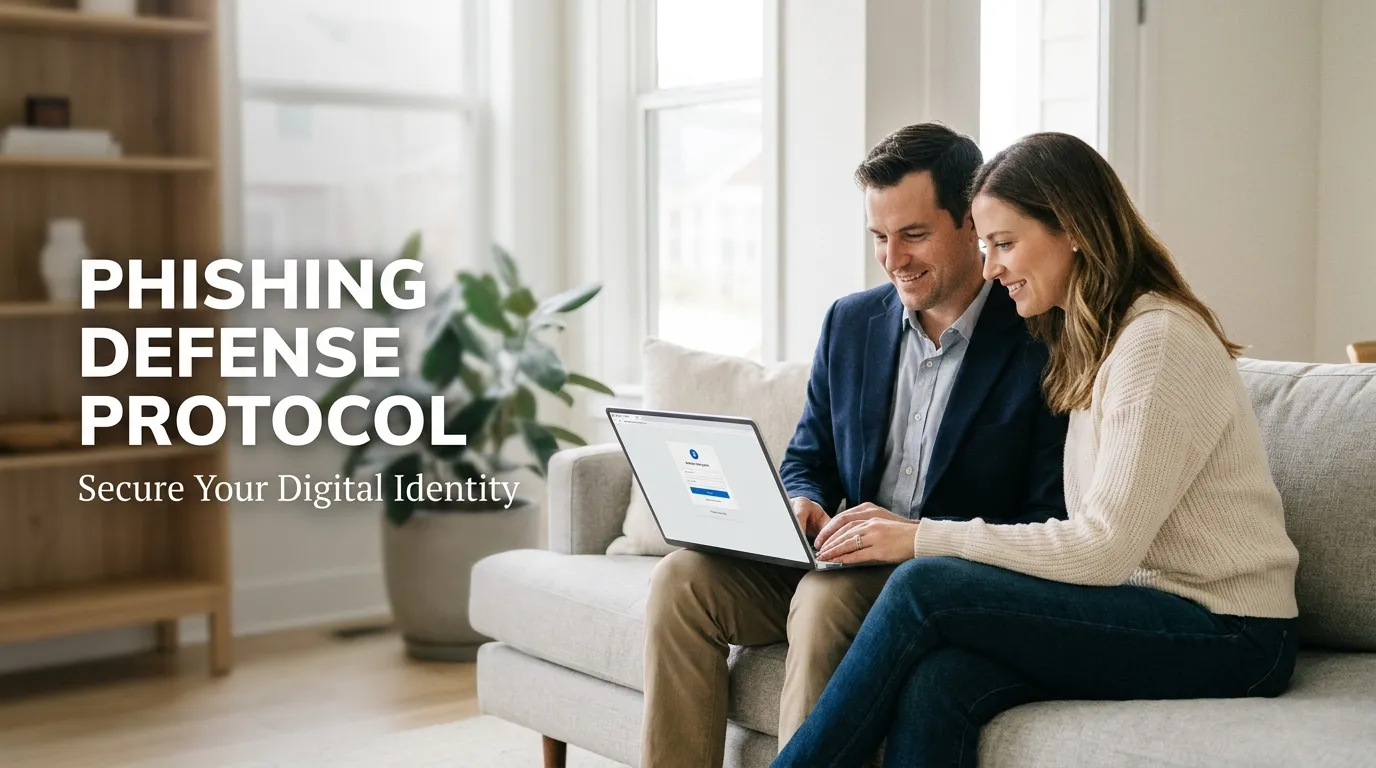
I remember one busy Monday morning when I got an email saying my bank account was locked and I needed to act fast. My heart started pounding, and I almost clicked the “Unlock Now” button without even checking who sent it. That scary moment made me realize that even if you know a lot about tech, a clever scammer can still catch you off guard when you are in a rush.
The ping of a new email often brings a sense of duty or simple curiosity. However, that notification could be the start of a digital trap designed to steal your life savings.
Many internet users believe they are safe because they have a strong password. They fail to realize that scammers target human emotions rather than just technical locks.
If you want to stay safe online, start with an ultimate digital safety guide for beginners to build a strong foundation. According to the Federal Trade Commission (FTC), phishing attacks are the primary way criminals access private accounts.
True safety is not just about using software; it is about developing a sharp eye for danger. When you follow 5 essential tips for a securely life, you learn that vigilance in your inbox is as important as locking your door.
The Silent Stress of a Digital Breach: Facing the Reality of Modern Fraud
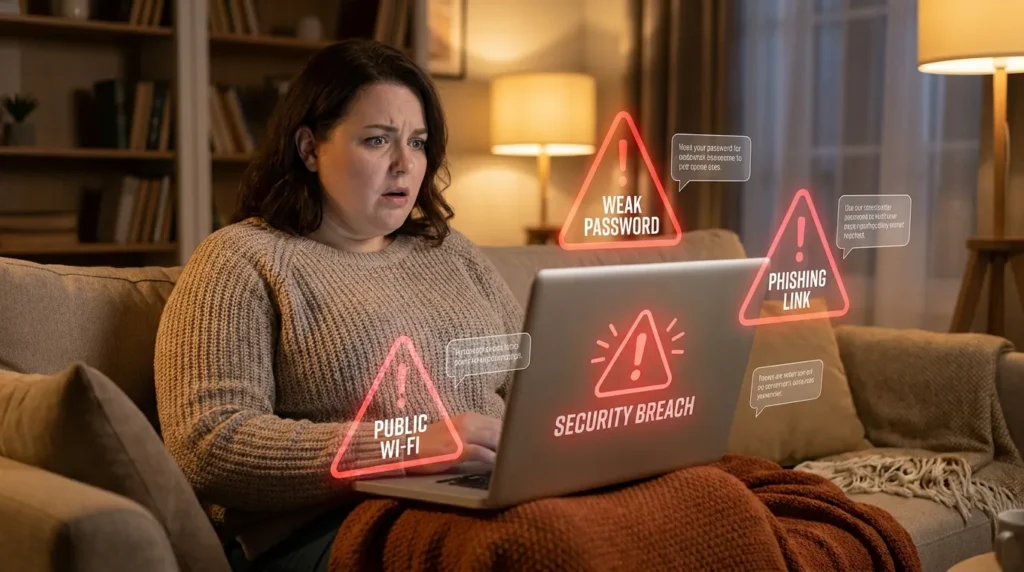
Imagine the sudden chill you feel when you realize you just clicked a suspicious link. This emotional distress is not just about a potential loss of money.
It is the feeling of being violated in your private digital home. Many families live with this hidden stress because they lack a clear protection plan.
This absence of a strategy leads to several painful realities in our modern life. A single mistake can drain your bank account or ruin your credit score for many years.
The Financial and Emotional Drain
Scammers use your data to open new accounts or commit crimes in your name. Once you become a victim, you stop trusting every legitimate message you receive.
The constant fear of being hacked drains your energy and steals focus from your family. People often find themselves lost in a sea of confusing or outdated advice.
They do not know which steps are truly effective for their personal safety. Many search for help but find incorrect info that makes them even more vulnerable.
Why Common Solutions Often Fail
This problem ruins your confidence and makes you feel like a target in your own home. You deserve a life where your inbox is a source of information, not fear.
Learning how to identify phishing emails in your inbox is the only way to stop this cycle. It is about moving from being a potential victim to being a digital expert in control.
You can reclaim your peace of mind by understanding the tactics used by modern criminals. We will show you how to build a shield around your personal data.
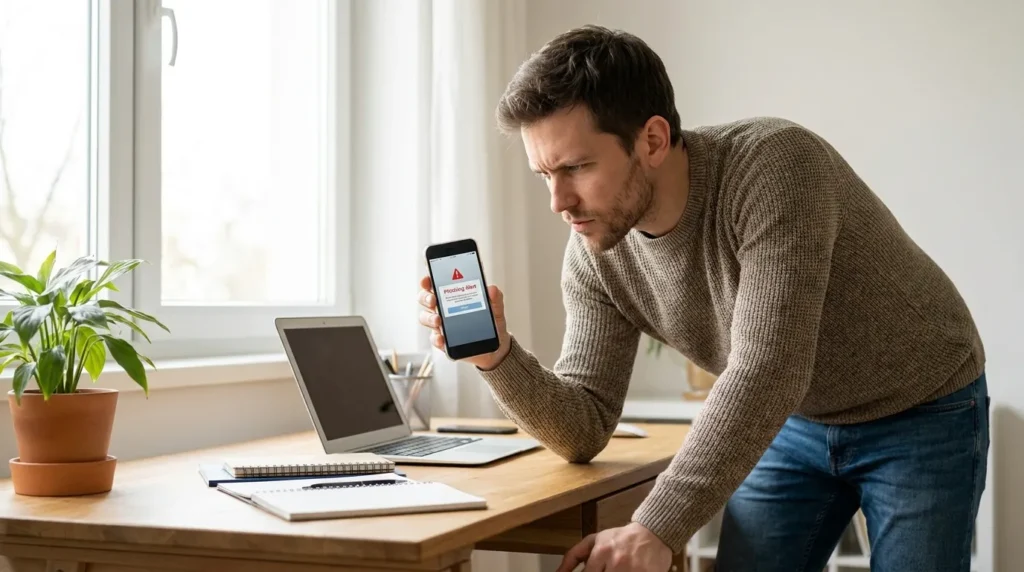
One simple trick I started using is what I call the “One Minute Rule.” Whenever I see an email that makes me feel panicked or worried, I step away from my screen for sixty seconds before I touch anything. This tiny break helps my brain switch from being scared to being logical, and it is usually when I notice the small spelling mistakes that prove the email is a fake.
The Inbox Defense Protocol: Step-by-Step Educational Roadmap
To protect your digital world, you must think like a security expert. You need to treat your inbox like a high-risk entry point to your private life.
Just as you would check for electrical cord management for toddlers to prevent a fall, you must check emails to prevent a breach. A secure life is one where you monitor all threats, whether they are under your roof or on your screen.
Step 1: The Sender Identity Verification Process
The first thing a scammer does is hide their true identity from you. They often use the names of big brands to gain your trust quickly.
You must look past the “Display Name” that shows up in your email list. On a computer, move your mouse over the name to see the full email address.
If the email claims to be from “Apple” but the address is a random Gmail, it is a fake. Legitimate companies always use their own official domain names for every communication.
Spotting Look-alike Domains
Scammers also use “look-alike” domains that look almost perfect at first glance. For example, they might use “arnazon.com” instead of “amazon.com” to trick your eyes.
These tiny details are the digital version of checking your pet camera privacy settings for home safety. If you do not verify the source, you leave yourself open to unwanted eyes.
Always be wary of emails that come from public domains like @yahoo.com or @gmail.com for business. Real banks will never contact you from a personal-style email account.
Verifying Official Channels
Check for official logos and branding, but do not trust them alone. Scammers can easily copy images to make their fraud look real.
Go to the official website of the company in a new browser tab to check your status. Never use the contact info provided in a suspicious email.
“Your email address is a digital key to your bank. If the person holding it looks suspicious, do not open the door for them.”
Step 2: The Link Hover Protocol for Safe Browsing
The most dangerous part of any phishing email is the malicious link. These links lead to fake websites that look exactly like the real ones you trust.
Before you click any button, you must use the “Hover Rule” for every single link. Move your mouse over the link without actually clicking it to see the destination.
A small box will appear at the bottom of your screen showing the real URL. If the URL does not match the company mentioned, delete the message immediately.
Identifying Redirect Chains
This is a professional safety habit that saves millions of people from fraud every year. It is as effective as using a social media privacy settings guide to protect your family photos.
You should also be wary of URL shorteners that hide the true destination. Scammers use these to mask malicious websites from your security tools.
Check for spelling errors in the URL, like “welllsfargo.com” instead of the correct spelling. These small changes are easy to miss if you are in a rush.
Avoiding One-Click Traps
If you have even a tiny doubt, go directly to the official website yourself. Never use the link provided in an email if you feel something is wrong.
Some links can download malware the moment you click them. Keeping your browser updated is a great way to block these automatic attacks.
Check out this short video to see the link hover trick in action! It is much easier to spot a fake website when you see exactly what to look for on your screen before you click.
Step 3: Analyzing Urgent Tone and Emotional Triggers
Phishing emails are built on psychological tricks to make you act fast. They want you to panic so that you do not have time to think logically.
They use words like “Final Notice” or “Account Suspended” to grab your attention. This sense of urgency is meant to override your normal reasoning skills.
According to CISA, emotional language is the biggest sign of a scam. Take a breath before you react to any scary message in your inbox.
Looking for Professionalism Gaps
Legitimate companies rarely use this type of aggressive tone with their customers. They provide clear information and give you time to resolve any issues.
You should also look for spelling errors and poor grammar in the text. Big brands spend a lot of money on professional writers and avoid obvious typos.
If an email starts with “Dear Customer” instead of your name, be extra careful. Most services you use will address you by your real name in their emails.
Identifying Fear-Based Tactics
If an email threatens legal action or account closure, it is likely a scam. Real legal notices are sent through official mail, not just an email.
This awareness of detail is similar to a toxic indoor plants safety guide for pets. You have to know which signs are dangerous to keep your home safe.
Step 4: Attachment and Download Security Awareness
Scammers love to send “Invoices” or “Shipping Receipts” as attachments to trick you. These files often contain hidden malware that can infect your whole computer.
If you were not expecting a file from someone, do not open it. Even a simple PDF can contain a virus that steals your bank login details.
Check the file extension before you ever think about opening a document. Files ending in .exe or .zip are often used to hide dangerous software.
The Risk of Hidden Spyware
Downloading the wrong file can lead to long-term monitoring of your activities. You must learn how to detect hidden spyware on your personal computer to stay safe.
Scammers use these tools to record your keystrokes and steal your passwords. This is why you should never trust a file sent by an unknown source.
Always scan any attachment with a good security program before opening it. Most email providers will do this for you, but you should still be careful.
Verifying Through Other Channels
Always verify with the sender through a different channel if you feel unsure. Send them a text or call them to ask if they sent that file.
This level of caution is the digital equivalent of managing smart door lock remote access security. You do not let just anything into your home without a thorough check.
Step 5: Safeguarding Your Connected Home Devices
Your email account is often the hub for all your smart home gadgets. If a hacker gets into your email, they can control your lights, locks, and cameras.
You need to secure your smart home devices to prevent this kind of access. Phishing is the easiest way for hackers to get the keys to your house.
Use a separate email address for your most important home security tools. This makes it harder for a simple phishing scam to affect your physical safety.
Monitoring Remote Access
Check your device logs regularly to see who has logged into your system. If you see a login from a city you have never visited, change your password.
Scammers use identifying phishing red flags to gain entry to your most private spaces. Stay alert to every notification you get from your security apps.
A proactive mindset reduces your risk of becoming a victim of fraud. You do not wait for a fire to buy a fire extinguisher for your kitchen.
Building Long-Term Habits
Digital safety works the same way for every member of your family. By building these habits now, you protect your future and your financial security.
You deserve a life where you feel confident every time you open your inbox. With these steps, you are taking control of your digital world forever.
Strengthening Your Digital Walls with Expert Methods
Learning how to identify phishing emails in your inbox is only the beginning of your defense. You need to move beyond basic awareness and adopt expert-level habits to stay safe.
Scammers constantly change their tactics to bypass common security filters. However, you can make your accounts nearly impossible to crack by using advanced protection layers.
Deploying Multi-Factor Authentication for Maximum Defense
One of the most effective secrets is using Multi-Factor Authentication (MFA). This adds a second lock to your digital door that requires a code from your phone.
Even if a hacker steals your password through a fake email, they cannot get in without that second code. This simple step blocks the majority of automated attacks on your accounts.
For the highest level of safety, consider using a physical security key. This is a small device you plug into your computer to verify your identity.
It provides much better protection than SMS codes, which hackers can sometimes intercept. This proactive approach is as important as learning how to prevent identity theft on public Wi-Fi during your daily travels.
Using Dedicated Security Software and Filters
Modern security software can scan your incoming messages for hidden threats. These tools look for identifying phishing red flags that are invisible to the human eye.
They can detect malicious code buried deep inside an attachment. Many of these programs also block your browser from loading known scam websites.
You should also take advantage of your email provider’s built-in filtering tools. You can set up rules to send emails with certain keywords directly to the trash.
This helps you stop spam emails forever and keeps your inbox clean from dangerous distractions. A clean inbox is a much safer environment for you and your family.
Developing an Emergency Data Backup Plan
No system is 100% perfect, and mistakes can still happen. If you accidentally click a link that installs ransomware, your files could be locked forever.
This is why having a secure backup of your important data is a pro-level requirement. You should keep your photos and documents on a separate drive that is not always connected to your computer.
If your system gets infected, you can simply wipe it clean and restore your files from your backup. Learn the best ways to backup your data safely at home to ensure you never lose your precious memories.
This plan acts as a safety net for your digital life. It provides peace of mind that no scammer can take away from you.
Long-Term Monitoring and Awareness Habits
Safety is a continuous journey that requires you to stay alert. You should review your account activity logs once a month to look for strange logins.
If you see a login from a city you have never visited, change your password immediately. Most major services like Google and Facebook provide these logs in their security settings.
According to Wikipedia, phishing is often used as a gateway for much larger cyber crimes. By staying vigilant, you protect yourself from more than just a stolen password.
Treat your digital accounts with the same care you give to your physical home. Just as you monitor your pet camera privacy settings for home safety, you must monitor your digital footprint.
The goal is to become a hard target for criminals. When scammers see that you have strong locks and awareness, they move on to easier victims.
Dangerous Pitfalls That Leave Your Inbox Exposed
Even smart users can fall into traps if they are not careful. Scammers use these common mistakes to bypass your defenses and steal your data.
Avoiding these pitfalls is a major part of your phishing scam prevention checklist. If you ignore these risks, you leave your digital door wide open for intruders.
- Clicking Links from “Official” Notifications: Scammers send fake alerts about suspicious activity on your bank or social media accounts. Never click the link in the email; instead, go directly to the official app or website yourself.
- Reusing the Same Password: If you use one password for everything, a single phishing success gives hackers access to your entire life. Use a password manager to keep unique and complex keys for every account you own.
- Saving Sensitive Info in Browsers: Browsers are convenient, but they are also targets for malware. If a scammer infects your computer, they can easily export all your saved passwords and credit card numbers.
- Neglecting Child Safety Education: Your children might use your devices and accidentally click on spotting suspicious email links. You must provide a child online safety guide to teach them the dangers of the digital world.
- Trusting Caller ID or Sender Names: Scammers can “spoof” these to make it look like a call or email is from a trusted source. Always verify the actual email address or phone number before sharing any private info.
Ignoring these mistakes can lead to a total loss of privacy and financial ruin. It is much like ignoring electrical cord management for toddlers or failing to identify toxic indoor plants safety guide for pets.
A single oversight can lead to a major accident. Digital safety requires the same level of attention to detail as physical home safety.
Scammers rely on you being in a hurry or being too tired to check the details. Slowing down for just ten seconds can save you months of legal and financial headaches.
“Safety is not an accident. It is the result of a conscious choice to be alert and prepared for the hidden dangers around us.”
Essential Questions About Email Fraud and Protection
What are the 5 common red flags of a phishing email?
The most common signs include urgent or threatening language and poor grammar. You should also watch for generic greetings like “Dear Valued Customer” instead of your name. Suspicious links that do not match the sender’s website and unexpected attachments are also major warning signs.
How can I tell if an email is actually from a legitimate company?
Always check the sender’s actual email address, not just their display name. A real company will use its official domain, such as @amazon.com or @wellsfargo.com. You can also hover your mouse over any links to see the real destination before you click.
What should I do if I accidentally clicked on a phishing link?
First, disconnect your device from the internet to stop any data from being sent to the scammer. Change your passwords immediately from a different, secure device. You should also scan your computer for malware and report the incident to the FBI Internet Crime Complaint Center (IC3).
Can a phishing email install malware on my smartphone or laptop?
Yes, phishing is a primary way to deliver malware and spyware. Simply opening an attachment or clicking a link can trigger a download in the background. Keeping your operating system and security software updated is the best way to block these automatic infections.
How do I report a suspicious email to my service provider?
Most email services like Gmail and Outlook have a “Report Phishing” button. Using this helps their system learn and block similar scams for other users. You can also forward the email to the Anti-Phishing Working Group to help fight global cyber crime.
Moving Toward a Fearless Digital Life
Protecting your inbox is a major step toward achieving total peace of mind. By following these steps, you are taking control of your digital identity.
You no longer have to feel like a target for clever scammers. You have the tools and the knowledge to spot their traps from a mile away.
Think of your digital safety as a shield for your whole family. Every time you verify a sender, you are making your home a safer place.
Start today by turning on MFA for your most important accounts. Share what you have learned with your loved ones so they can stay safe too.
Digital safety is a team effort. When we are all alert, the scammers lose their power to harm us.
Stay curious, stay cautious, and enjoy the freedom of a secure online world. Your future safety is worth every effort you make today.
Taking back control of my inbox was one of the best things I ever did for my mental peace. You don’t have to be a computer expert to stay safe; you just need to be a little bit more curious than the person trying to trick you. Go ahead and turn on that extra protection for your main account right now—you will feel so much lighter tonight!
Disclaimer: The information provided on Securely Life is for educational and informational purposes only. While we strive for accuracy, cybersecurity threats change daily, and no method is 100% foolproof. We are not responsible for any data loss, financial damage, or security breaches resulting from the use of this guide. Always consult with a certified cybersecurity professional for specific advice regarding your personal or business security. Your digital safety remains your personal responsibility.