Imagine waking up on a beautiful morning, grabbing your coffee, and opening your phone to check for an important message.
Instead of that expected email from a friend or a boss, you see fifty unread messages from names you don’t recognize.
“Buy this now,” “You won a prize,” and “Your account is locked” stare back at you in a messy pile of digital garbage.
Your heart sinks just a little bit every single time this happens. It feels like someone is walking into your private home every day and throwing handfuls of trash on your living room floor.
You want to be organized, but the sheer volume of junk makes you want to close the app and hide.
This isn’t just a small annoyance; it is a constant drain on your focus. You spend your first ten minutes of the day deleting, blocking, and swiping away things you never asked for.
It feels like a battle you are losing, and the “clogged” feeling in your inbox starts to feel like a clogged feeling in your head.
Why the “Easy” Solutions Always Fail You
- The Unsubscribe Trap: Most people click the “Unsubscribe” link on a random junk email, not realizing that for real spammers, this just proves your email is active.
- The Bot Army: You might try to mark things as spam one by one, but new bot accounts are born every second to replace the ones you blocked.
- The Reply Mistake: Many users follow bad advice and try to reply to the spammer asking them to stop, which only invites more targeted attacks.
- The Primary Email Overuse: We often give our primary email to every website we visit, giving companies the right to sell our data to thousands of other marketing lists.
- Hidden Safety Settings: Software privacy settings are often hidden or hard to understand, so we just leave them on the default “unsafe” mode.
- Technical Talk Overwhelm: It is common to feel overwhelmed by the technical talk, making you think that a clean inbox is only for tech experts.
How This Chaos Breaks Your Mental Peace
- Missed Opportunities: You might accidentally delete a real job offer or a family update because it was buried under ten layers of junk.
- Decision Fatigue: Every piece of spam requires a tiny choice—delete, block, or ignore—and these hundreds of tiny choices tire your brain out before the day really starts.
- Constant Anxiety: You start to fear your phone’s notification sound because you assume it is just another useless or malicious ad.
- Loss of Confidence: It feels like you don’t have control over your own digital space, which makes you feel vulnerable in other parts of your online life.
- Fear of Financial Scams: Since spam often hides dangerous links, you start to worry that one wrong click could ruin your finances or leak your identity.
This struggle is very real, but I want you to know that it is not your fault. The digital world is built to be loud, and companies want your attention at any cost.
Your email address is a “key” to your life, and everyone wants a copy of that key.
But you don’t have to live this way. You can build a strong wall around your inbox that keeps the trash out while letting the good things through.
This isn’t about being a computer genius; it is about knowing how the game is played.
“Think of your email like a physical mailbox in front of your house. If you let it overflow with old flyers and junk, you will eventually lose your real letters.”
We are going to clean that mailbox today and make sure it stays clean for good.
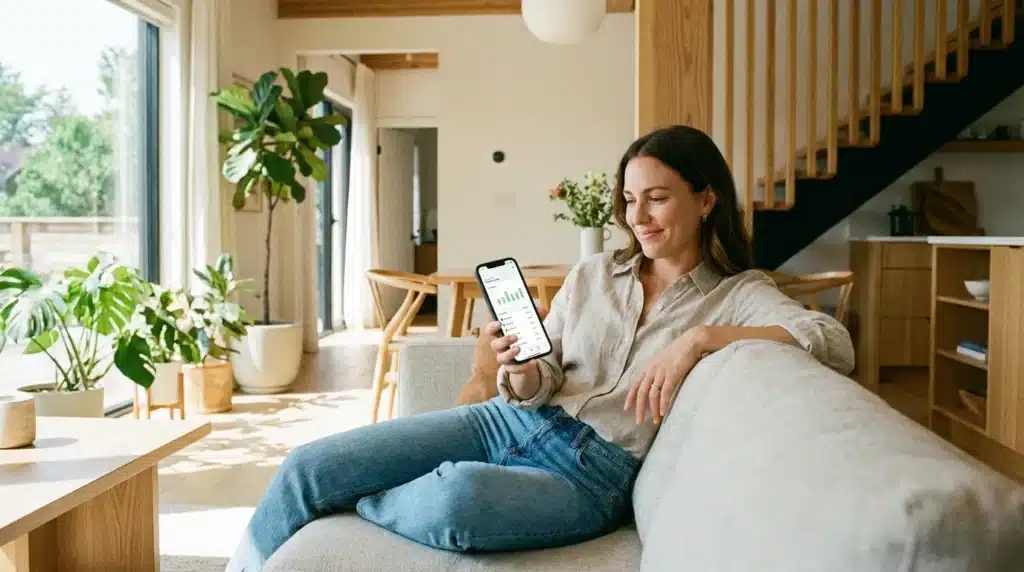
Taking Back Your Digital Space: The 5-Step Expert Strategy
Step 1: Stop Touching the “Unsubscribe” Button on Suspicious Mail
This might sound like the opposite of what you should do. We are taught that “Unsubscribe” is the way out. However, when it comes to real, dangerous spam, that button is a trap.
When you click a link in a junk email from a sender you don’t know, you are sending a signal back to their server. That signal says, “Hey, this is a real human who actually reads their mail!”
Once they know your account is active, they won’t stop. Instead, they will sell your “active” email address to hundreds of other scammers for a higher price. Suddenly, your one spam email turns into ten.
The Actionable Advice:
Instead of clicking anything inside the email, use your email provider’s “Report Spam” or “Report Phishing” button. This teaches the system’s brain to recognize the pattern.
When you report it, the email provider (like Gmail or Outlook) looks at the digital signature of that mail. They then block it for you and everyone else using their service. This is how we win the battle together.
If it is a real company you know (like a clothing store you once shopped at), the unsubscribe button is usually safe. But if the email looks weird or too good to be true, don’t touch a single link inside it.
Step 2: Use the “Alias” or “Plus” Email Trick
Most people have one email address that they use for everything. They use it for their bank, their mom, and that random website they used once to see a funny cat video. This is the biggest mistake in digital safety.
When that cat video website gets hacked or sells its list, your primary email is now out in the wild. You need to start using disposable layers between you and the internet.
The Scientific Logic:
Most major email services allow you to add a “+” sign and a word after your username. For example, if your email is [email protected], you can sign up for a newsletter using [email protected].
The email will still come to your main inbox, but now it has a digital tag on it. If you start getting spam sent to [email protected], you know exactly which website leaked your info.
The Pro Tip:
You can then create a “Filter” in your settings that says, “Any email sent to [email protected] should go straight to a folder called Junk.” This allows you to automate your cleaning.
You are no longer the one doing the work; your email’s brain is doing it for you. This creates a barrier of protection that keeps your “private” address away from the “public” parts of the web.
Step 3: Train Your Spam Filter Like a Guard Dog
Your email service has a built-in filter, but it isn’t perfect on day one. It needs to learn your habits. Many people just delete spam because it is faster, but this is a missed opportunity.
When you just delete an email, you aren’t teaching the system anything. The next time that spammer sends a message, it will land right back in your primary inbox.
How to Properly Train the System:
Every time a junk email slips through, take the extra two seconds to find the “Mark as Spam” button. By doing this, you are giving the filter a “sample” of what you hate.
Think of it like training a guard dog. If you don’t tell the dog who the intruder is, it won’t know when to bark. Over a few weeks, your filter will become so smart that you will almost never see a junk email again.
Just like training your email filter stops digital garbage, hardening your smartphone prevents background data leakage. Make sure to implement the hidden settings to stop apps from tracking your phone to secure your overall mobile privacy footprint.
Step 4: Use Email Masking and Aliases as a Gatekeeper
Think of your primary email address as your home address. You wouldn’t give your house keys to a stranger on the street, right? Yet, we give our email to every website that asks for it.
You should start using premium email masking services. Tools like Apple’s Hide My Email (for iCloud+ users), Firefox Relay, or DuckDuckGo Email Protection are perfect for this. They provide you with a “fake” email address that forwards mail to your real one.
If you sign up for a random shopping site, use the masked address. If that site starts sending you too much spam, you can simply delete the mask. Your real email stays hidden and safe, and the spammer hits a dead end.
“It is like having a personal assistant who stands at your front door. They check every letter, and if one looks like junk, they throw it away before you ever see it.”
Step 5: Scan the Dark Web for Leaked Data
Sometimes, you get spam even if you are careful. This usually happens because a website you use was hacked. Your email address was stolen and sold on the dark web to thousands of spammers.
You should use a service like “Have I Been Pwned” to check your status. It is a free tool that tells you exactly which data breaches included your email. If you see your email on a list, it means spammers already have your “digital ID.”
Once you know which sites were leaked, you can change your passwords and be more alert. I suggest setting up Google’s Dark Web Report. It monitors these leaks for you and sends an alert if your info shows up in a new breach.
Being proactive is better than being reactive. By knowing where your data is, you can cut off the source of the spam. It turns you from a victim into a smart digital defender.
Professional Guidelines for Long-Term Inbox Success
Maintaining a clean inbox is a marathon, not a sprint. To keep these results for years, you need a professional routine. It only takes a few minutes every month to keep the flood away.
The “New Sign-up” Rule
Never use your primary “private” email for anything except banks, government sites, and close family. For everything else—newsletters, coupons, and social media—use a secondary account.
This separates your “important life” from your “internet life.” If your secondary account gets messy, it doesn’t matter. Your primary inbox stays quiet and organized.
Quarterly Digital Audits
Every three months, go into your email settings and check your Third-Party Apps list. We often give websites permission to “Read” our data and then forget about them.
Revoke access to any app you no longer use. Many of these apps are the ones leaking your habits to advertisers. Keeping this list short is a key step in digital safety.
The Power of Keyword Filters
You can create custom rules in your settings to block specific words. If you never want to see emails about “Weight Loss” or “Crypto Prizes,” add those words to your blacklist.
Your email will automatically send those messages to the trash. It is a set-it-and-forget-it way to manage the noise. You are essentially building your own custom security guard that knows exactly what you hate.
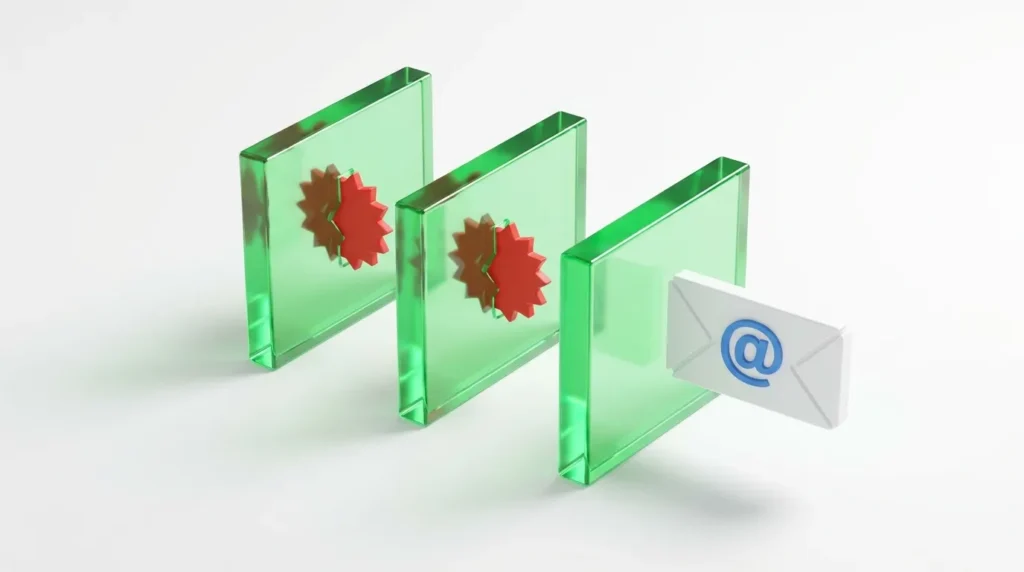
Fatal Errors: Mistakes That Keep the Spam Coming
- Replying with Anger to Spammers: When you reply, you are confirming that your email is checked by a live human. This makes your address “Premium” in the eyes of a hacker. They will now target you with even more phishing attacks because they know you are listening.
- Giving Your Email to “Free Wi-Fi” Portals: These portals are major sources of spam lists. They often sell your data the moment you click “Connect.” Protecting your communication credentials on public networks is just as vital as keeping your local devices secure. Learn the the ultimate guide to protecting your home Wi-Fi network to understand proper network security borders.
- Ignoring the “Preview Pane” Trick: Some spammers use tiny, invisible images called tracking pixels. When your email app “previews” the message, it loads that image and tells them exactly when you opened the mail. Disable “Auto-load images” in your settings to block this tracker.
- Clicking “Unsubscribe” in Fake Emails: If the email looks like a scam, the “Unsubscribe” button is not real. It is just a link to a malicious website. Only use unsubscribe links for famous, trusted brands. For everything else, the spam report button is your only friend.
- Using Your Work Email for Personal Fun: Office emails are often more heavily targeted by corporate spies and hackers. Keep your professional life and your personal life in two separate boxes. It makes your digital world much easier to manage.
Frequently Asked Questions About Email Safety
Why did I suddenly start getting more spam?
This usually means your email was part of a recent corporate data leak. A company you trusted was hacked, and their customer list was sold online. You should check your email on a breach monitoring site to see the exact source.
Can spammers hack my computer through an email?
They cannot hack you just by you reading the text of an email. However, they can hack you if you download an attachment or click a link. Never open a file from someone you don’t know, especially if it is a .zip or .exe file.
Is it safe to use “Login with Google” on random sites?
It is safer than creating a weak password, but it still gives the site some data about you. I suggest only using this for sites you completely trust. For random websites, it is better to create a manual account using a masked email.
Does deleting my email account stop the spam?
Yes, but that is a very extreme step. Before you delete your account, try the filtering and masking steps we discussed. Most inboxes can be fully saved with about thirty days of consistent reporting and training.
Are paid spam blockers worth the money?
For most people, the built-in filters in Gmail or Outlook are good enough if you train them. If you run a local business or get thousands of junk mails a day, a paid tool like SpamSieve or CleanEmail can be a great investment.
Your Path to a Peaceful Digital Life
You deserve an inbox that is a tool for productivity, not a source of stress. The flood of junk mail might feel like an ocean, but you now have the ship and the sails to navigate it.
Start today by reporting just five spam emails instead of deleting them. Tomorrow, set up your first masked email address. Each small action adds a new layer to your digital fortress.
Take Back Control Today
The internet is a busy and often messy place. But your private inbox is your property. You have the power to decide who gets to talk to you and who stays outside.
Don’t wait for your inbox to hit 99,999 unread messages. Take that first step now. You will be amazed at how much mental energy you get back once the noise stops.
You have the knowledge and the tools to stop the flood. Go ahead and clean your digital home—you have earned the peace of mind!